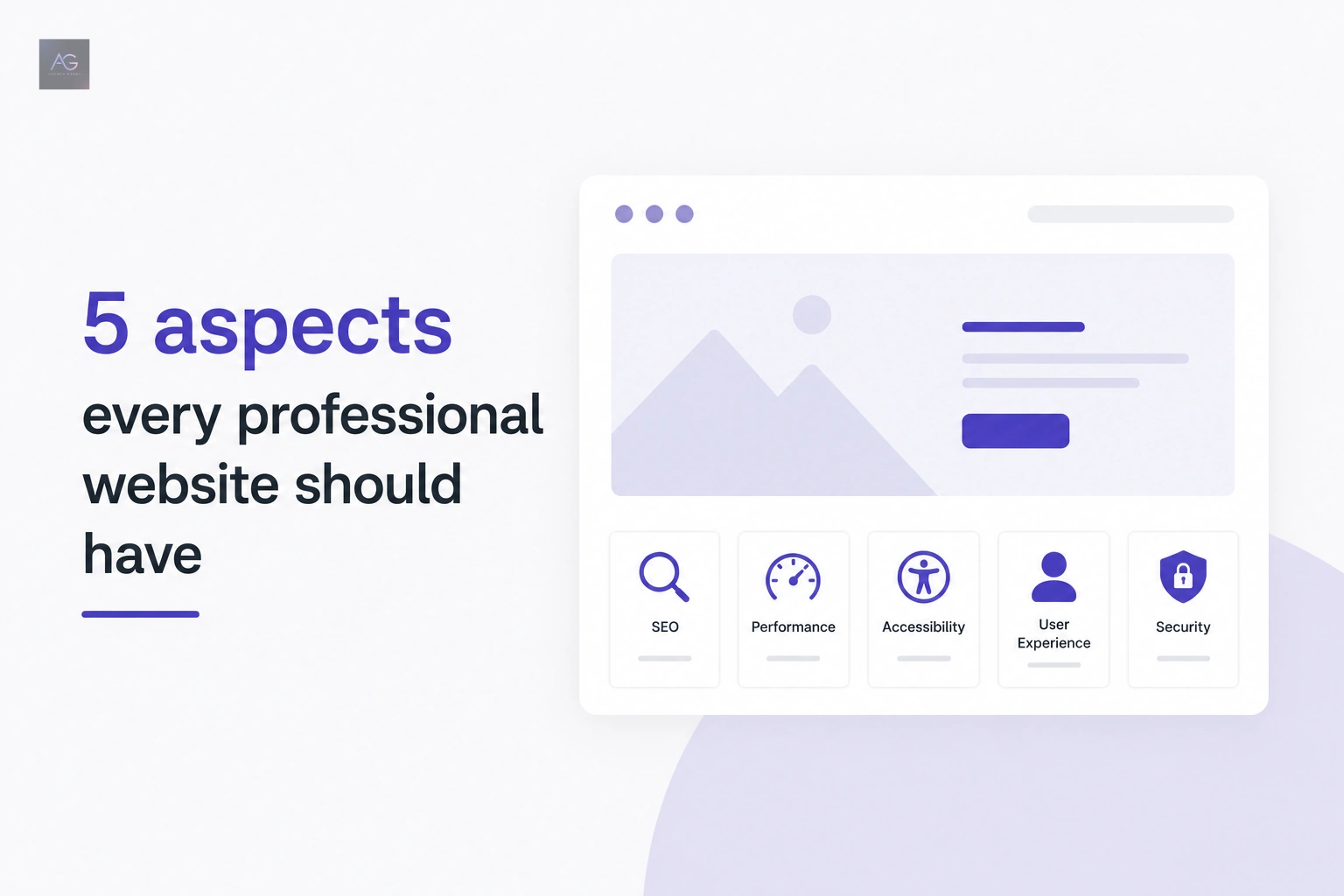
5 things every professional website should have
Learn how to evaluate SEO, speed, accessibility, UX, and security on your website using free tools and clear criteria.
- technical SEO
- web performance
- web accessibility
- user experience
- web security
- corporate website
Introduction
Many companies believe that simply having a website is enough to look professional online. In practice, the real difference is not only whether a site exists, but how optimized, accessible, fast, and trustworthy it feels to the people who visit it.
A website can look polished and still have important problems: pages that do not appear in Google, slow loading times, forms that fail on mobile, or a confusing user experience.
The good news is that there are free and widely recognized tools that allow you to run an initial website audit without being a technical specialist.
In this article I share five things a professional website should have and how you can evaluate them in less than 15 minutes.
Technical SEO and search visibility
SEO remains one of the most important foundations of any corporate website. If a page cannot be found easily in search engines, part of its strategic value is lost.
When I talk about SEO optimization in this context, I am mainly referring to the technical base that helps Google understand, crawl, and index content correctly.
Some key points to review are:
- Whether important pages are indexed.
- Whether a
sitemap.xmlexists. - Whether there are unnecessary blocks in
robots.txt. - Whether each page has a
titleand meta description. - Whether the heading structure is logical.
- Whether the content responds clearly to search intent.
Three useful tools for this review are:
- Google Search Console: to review indexed pages, coverage issues, search performance, and real queries.
- Google Search Central: official documentation for best practices, indexing issues, and Google guidelines.
- Ahrefs Webmaster Tools: useful for broken links, technical SEO issues, and on-page opportunities.
What metrics are worth checking?
- Coverage and indexation.
- Queries generating impressions and clicks.
- Pages with low CTR.
- 404 errors or poorly resolved redirects.
- Duplicate or missing tags.
For example, if a page gets impressions but almost no clicks, that may indicate that the SEO title or meta description is not communicating value well. If a page is not indexed at all, the problem is no longer content quality but technical visibility.
Performance and loading speed
Loading speed affects both user experience and the perception of professionalism. A slow website creates friction from the first second, especially on mobile devices or unstable networks.
This is where Core Web Vitals become relevant:
- LCP measures how quickly the main visible element loads.
- INP evaluates responsiveness when a user interacts.
- CLS detects unexpected layout movement while the page loads.
Beyond those metrics, it is worth reviewing:
- Total loading time.
- Image weight.
- Amount of JavaScript being loaded.
- Render-blocking resources.
The most practical tools for this are:
- Google PageSpeed Insights.
- GTmetrix.
- WebPageTest.
How should results be interpreted? A high score does not always mean everything is perfect. What matters is reading the report in detail.
For example:
- If LCP is high, the issue is usually heavy images, poorly optimized hero banners, or a slow server.
- If INP is affected, there is often too much JavaScript or too many third-party scripts loading early.
- If CLS is poor, dimensions may be missing for images, banners, or iframes.
In many business websites I have seen repeated issues: uncompressed images, unnecessary sliders, videos loading immediately, and plugins adding resources that nobody actually needs.
Web accessibility
Accessibility is not optional polish. It is part of website quality because it allows more people to use and interact with the site without unnecessary barriers.
At a minimum, a professional website should consider:
- Keyboard navigation.
- Sufficient contrast between text and background.
- Alt text for relevant images.
- Forms with clear labels.
- Links and buttons that are easy to understand.
Recommended tools:
- Lighthouse.
- WAVE.
- axe DevTools.
These tools help detect common issues, although they do not replace manual review.
Practical examples:
- If a button only says “click here”, its purpose is not clear to everyone.
- If a form cannot be completed with a keyboard, part of the audience is excluded.
- If an important image has no alt text, a screen reader loses context.
- If text contrast is too low, reading becomes harder than it should be.
A simple test is to navigate the site using only the Tab key. If you cannot identify focus states, open menus, or submit forms comfortably, there is a real accessibility problem.
User experience and mobile adaptation
Having a responsive layout is not enough if the experience is still confusing. A professional website should make navigation easy, prioritize important content, and adapt correctly to different screen sizes.
In this area it is worth checking:
- Whether the layout adapts well to mobile.
- Whether the main navigation is intuitive.
- Whether there is a clear visual hierarchy.
- Whether buttons are visible and easy to tap.
- Whether forms work without friction.
Common issues I often find in business websites include:
- Overloaded menus with too many options.
- Long text blocks without visual structure.
- Buttons that are hard to identify or too vague.
- Forms with too many fields.
- Sections that break on small screens.
A good user experience means that a visitor quickly understands what the company does, where to find what they need, and what the next step should be.
Security and trust
Website security is also part of professional perception. If a site does not feel trustworthy, many users will leave before sharing their information.
The basics to review include:
- The site uses HTTPS.
- The SSL certificate is active and correctly configured.
- Forms are protected against spam or abuse.
- The platform, plugins, or dependencies are kept up to date.
This affects both SEO and user trust. Google treats HTTPS as a positive signal, and modern browsers warn users when a page is not secure.
In CMS-driven websites, one of the most common risks is leaving plugins or themes outdated for long periods. In custom websites, the risk often appears when external scripts are integrated without control or forms lack proper validation.
How to review your site in less than 15 minutes
Here is a quick checklist for an initial website audit:
- Search your domain in Google using
site:yourdomain.comto verify indexation. - Review Google Search Console for coverage issues or excluded pages.
- Confirm that each important page has an SEO title and meta description.
- Test the home page and one internal page in PageSpeed Insights.
- Review LCP, INP, and CLS on mobile.
- Detect heavy images or render-blocking resources.
- Run Lighthouse or WAVE to detect accessibility issues.
- Navigate the site with a keyboard to validate focus states, menus, and forms.
- Open the site on mobile and check navigation, legibility, and buttons.
- Confirm that the site uses HTTPS and shows no security warnings.
If this review reveals problems in several areas, your site probably needs more than a cosmetic adjustment.
Conclusion
A professional website is not defined only by appearance. Its real quality comes from technical SEO, performance, accessibility, user experience, and security working together.
Each of these elements affects how people find you, how they move through your content, how trustworthy your brand feels, and how easy it is to turn a visit into a real opportunity.
If you want to see how I approach these kinds of projects, you can visit my projects section or contact me so we can review the current state of your site with a practical technical lens.